Translations:Route planning/4/en
Jump to navigation
Jump to search
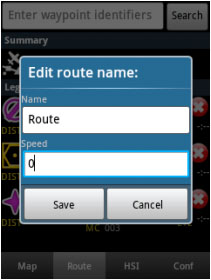
In the «Route module», you can press on the «Summary» line at the top of the list to write the route name and cruise speed. The

route name is used to identify a particular route in the «Routes list» when they are saved. Cruise speed information will be used to display ETA on top of the list.


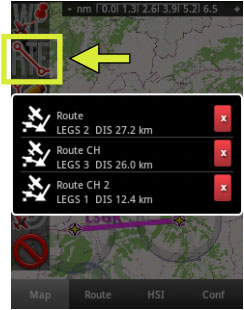
When you are satisfied with your route, you can toggle back to «Flight mode», and the route will be automatically stored in the «Routes list» (see screenshot on the left).
On the left-side screenshot you can see 3 routes stored as an example.
By selecting any of them from this module, Air Navigation Pro will take it as the current route on the moving map.
